Leave ideas for your agent
An idea is the start of a post: a few rough words, an image, maybe a time. Leave it on the Ideas page and your agent writes the post from it.
Leave one
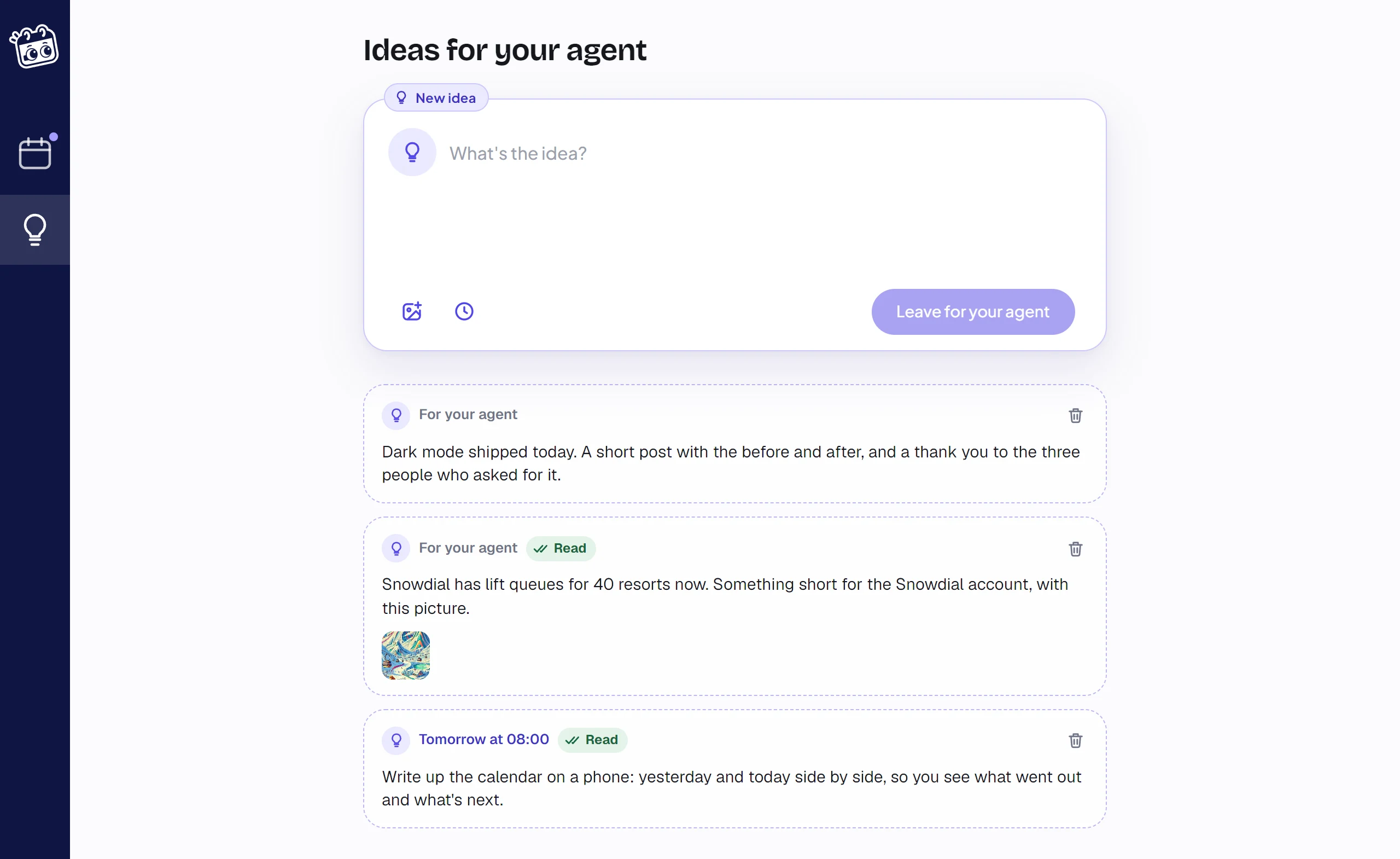
Press Ideas on the rail, the bulb. Write what you want to say in the box at the top, as roughly as you like, and press Leave for your agent. It goes to the top of the list under the box.
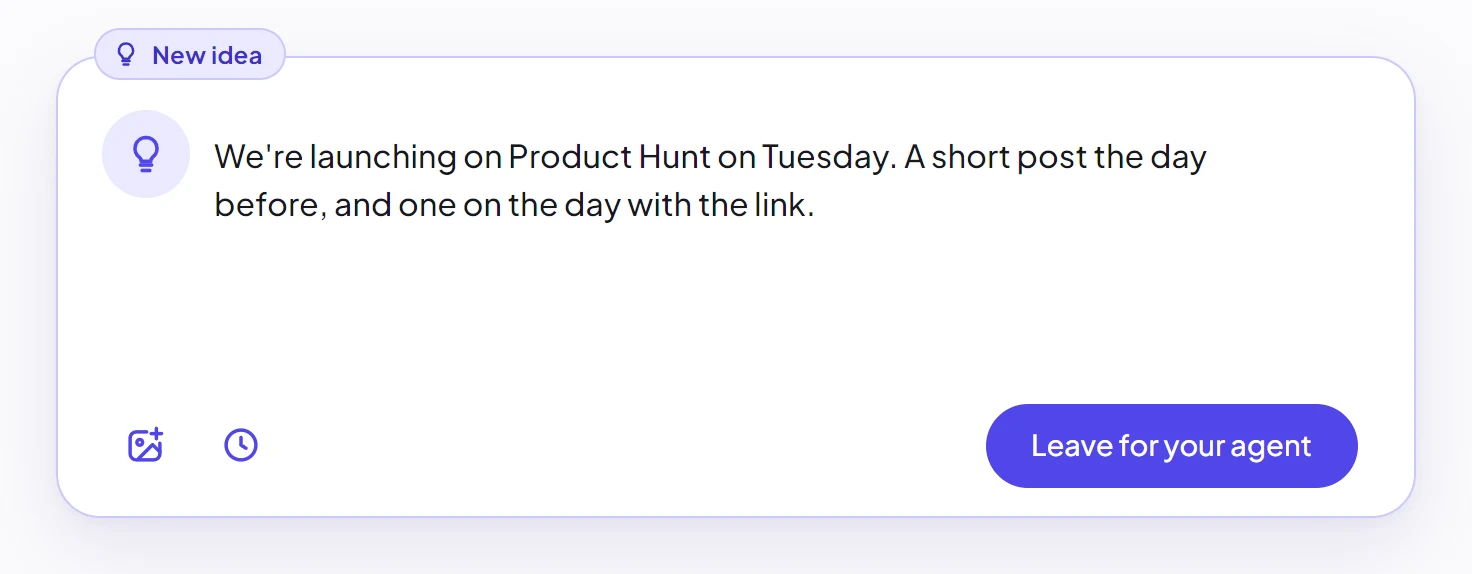
- Images. Drop one anywhere on the Ideas page to put it in the box, or on an idea to add it. Your agent sees them.
- A time. Press the clock to say when you want it out, and your agent posts it for then.
- Not finished? Go somewhere else and come back: your words wait in the box.
Open ideas are dashed, on the Ideas page and on the calendar: at their time, or under the posts of the day you left them, in italics. Once your agent has read one, its card on the Ideas page says Read.
Your agent writes it
The next time your agent runs, it sees that ideas are waiting. Or ask it straight away:
Write up my sendstory ideas.
It writes one post or several from each idea, and they wait under Approve, unless the account's posts approve automatically.
Used ideas
The first post made from an idea closes it. It leaves the Ideas page and goes behind a faint bulb next to that day's name on the calendar. Press the bulb to see the day's ideas and how many posts each one became, and open one to see its posts.

Only an open idea can be deleted, with the bin on its card. Delete one your agent has already read, and a post it still writes from it waits for you, whatever the account's setting.
How many
Your plan sets how many ideas you can leave a month: see Pricing. An idea counts once it is left, used or not, unless you delete it before your agent reads it. Settings shows how many you have added this month.